

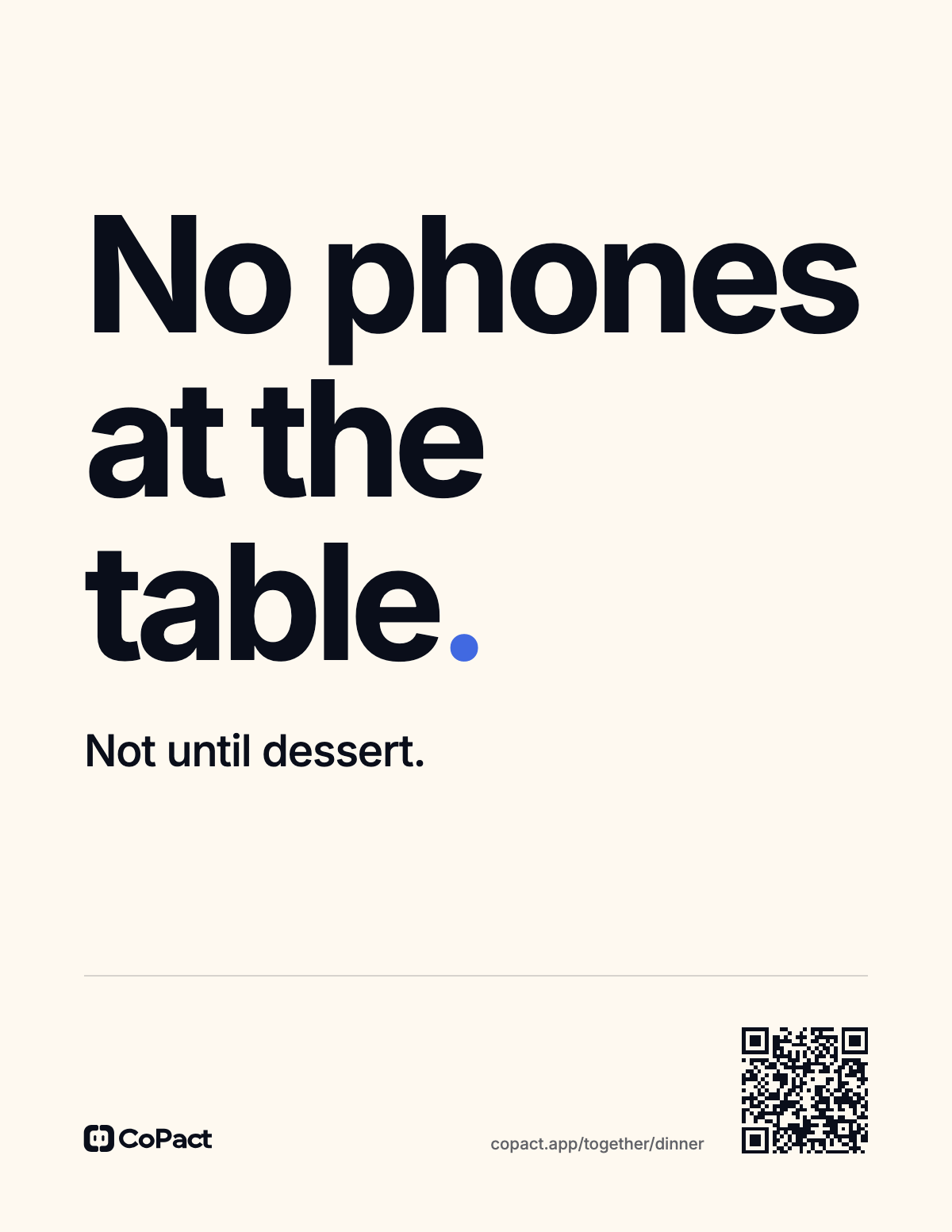
Put the rule on the wall.
Three signs, free to print, for the table, the bed and the rest of the house. The block on every phone does the enforcing.
Pick the room.
Each sign comes in US Letter and A4, with a code that opens the page for its rule.
-
-
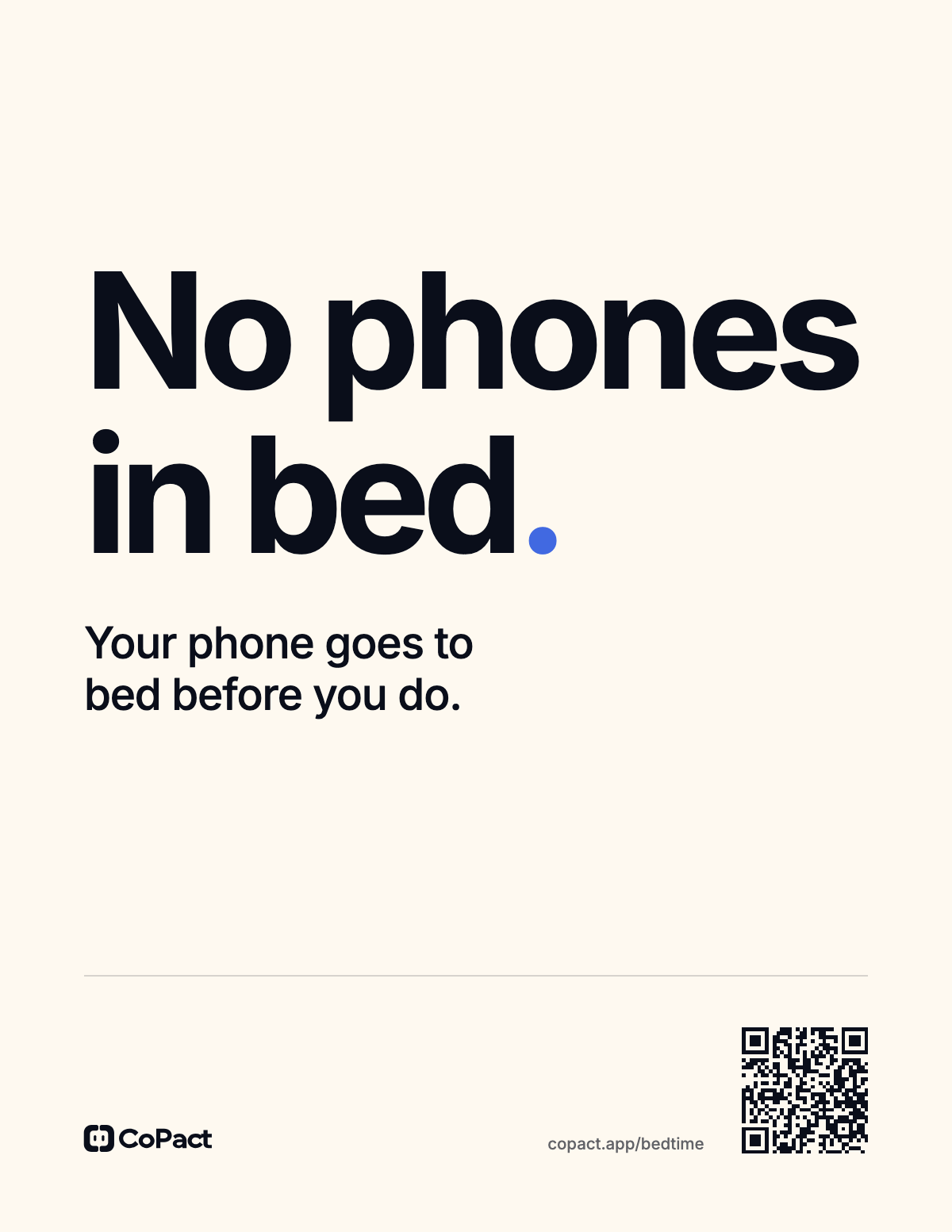
The bed
-
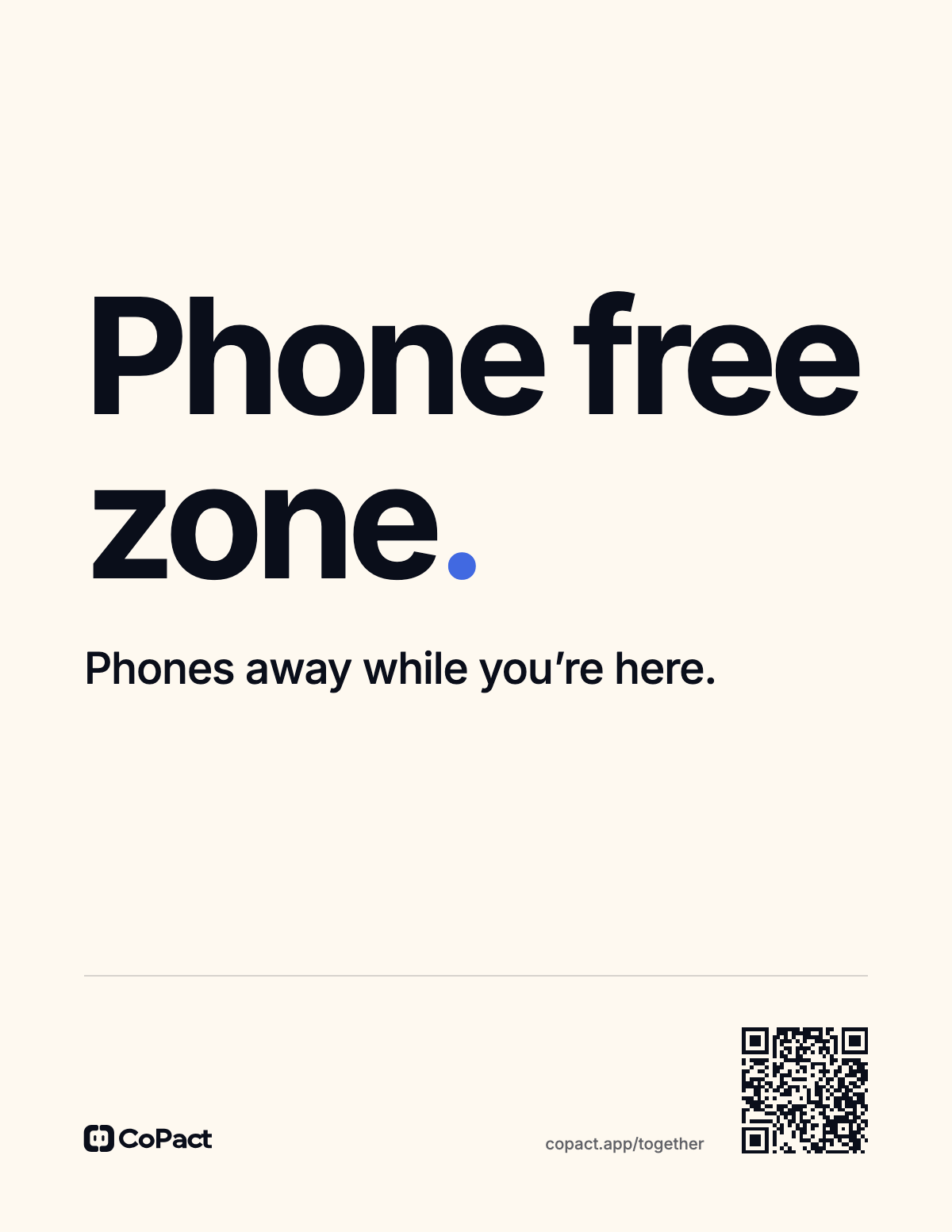
The rest of the house
How to make a phone free zone at home
- 1 Print the sign Pick the table, the bed or the zone, in US Letter or A4, and print it at actual size.
- 2 Put it where the rule starts On the table before anyone sits down, on the nightstand, or by the door.
- 3 Let CoPact hold the phones Start a block for the hours the sign means. Every phone that joins keeps every app but its Always Allowed ones shut until the time is up.
Questions.
What does a no phone zone mean?
A place where phones stay away for a set time: the table during a meal, the bed at night, a room while people are in it. A sign says the rule out loud. With CoPact, every phone that joins a block stays blocked for those hours, so the rule holds when nobody is watching.
What does the code on the sign open?
Point your phone’s camera at it. The table sign opens the dinner page, the bed sign the bedtime page, and the zone sign the page on blocking apps together.
Are the signs free?
Yes. Download the PDF in US Letter or A4 and print as many as you need.
Does the bed sign need anyone else?
No. On your own, set your sleep hours and start Sleep protection with one hold when you turn in. Every app but your Always Allowed ones stays shut until your wake time.
Can I block apps on someone else’s phone?
Not without them. Each person joins the block on their own iPhone, and nobody can lock a phone that has not joined.
Does everyone need to pay for CoPact?
Each person needs their own trial or subscription. Someone new to CoPact gets 7 days free, then $4.99 a month or $29.99 a year.
What if I actually need a blocked app?
Your Always Allowed apps stay open under every pact. Past those, the Emergency Pass opens everything for one hour, once a week.
Does it keep blocking when CoPact is closed?
Yes. CoPact blocks through Apple's Screen Time, so the block holds with the app closed, after a force quit and through a restart.
Better kept together.