
Agree on the time. We keep it.
CoPact blocks your apps, and your crew’s, for the time you set. How strict it is gets decided before it starts, never after.
iPhone, iOS 26.5 or later.
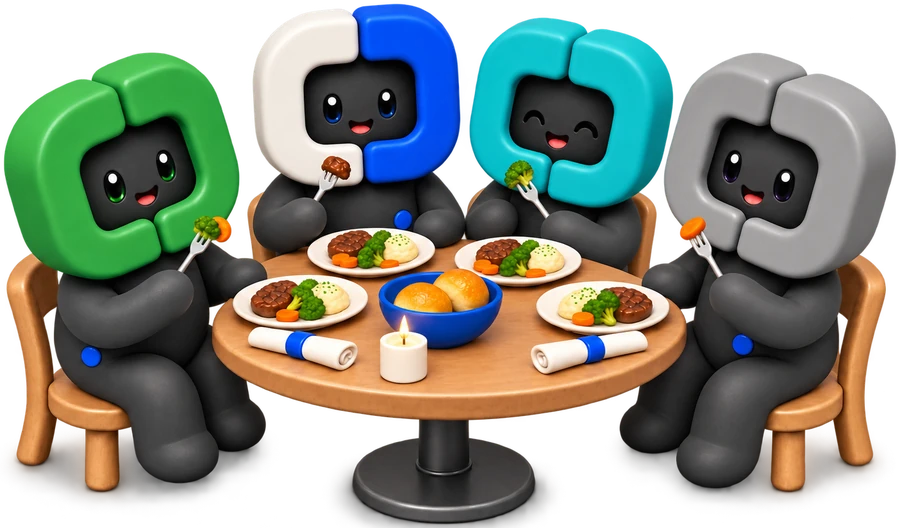

Researchers tried dinner both ways.
With phones on the table, people felt more distracted and enjoyed the meal less.
Each table was asked, at random, to keep their phones on the table or put them away.
Phones out
- More distracted
- Enjoyed it less
Phones away
- Less distracted
- Enjoyed it more
Source: Dwyer, R. J., Kushlev, K., & Dunn, E. W. (2018). Smartphone use undermines enjoyment of face-to-face social interactions. Journal of Experimental Social Psychology, 78, 233–239. A field experiment.
Five steps, the same on every phone.
Start a crew and share the link.
A crew is up to 20 people. They join with a link, a QR code or the eight characters under it.
Plan it, and say how strict.
Pick what it is, when, and Flexible or Strict. It lands on the crew page, and everyone in the crew hears about it once.
Three in. Ben, eventually.
Join, and every phone locks.
Joining is what locks your phone: nobody can join for you, and planning it locks nobody. Whoever joins locks with you, and every Lock Screen carries the same card.

Ending early takes a vote.
On Strict, anyone in it can propose ending. It ends when more than half vote to end, and a vote is final. On Flexible, whoever started it can end it for everyone, and anyone can take a break.
Four of you, so more than half is three. Tom and Ben make two: dinner holds.
-
8:52 PM Tom and Ben ask to end early.
-
8:53 PM Mia and you say stay. Dinner wins.
Tom proposed endingYou voted to stay in.TomBenMiaYouEndStay

It goes in the Album.
Kept together, a pact ends on the time you kept and a card to share, and it goes in the crew’s Album for good. A month with two such pages comes back on the 1st as a story.
Two ways to hold it, picked before it starts.
The rows below are the app’s own words, one tap from every crew pact.
On your own, too.
Quick Block blocks right now. Schedule blocks at set times. Time Limit caps one app’s time, Open Limit its opens.
Solo blocking never asks you to sign in.
- Quick Block
- Schedule
- Time Limit
- Open Limit


Questions about crews.
Can one person end it for everyone?
Under Strict, no: it ends on its timer, or when more than half of the people still in it vote to end it. A Flexible crew pact can be ended by whoever started it.
Does everyone in the crew need an iPhone and a subscription?
Yes, each on their own iPhone with iOS 26.5 or later. Everyone new to CoPact gets 7 days free, so the first evening costs them nothing. After that it is $4.99 a month or $29.99 a year, and CoPact sends a notification two days before the first charge.
Can my crew see which apps I use?
No. Members see your name, your initial and what you do in crew pacts, never your apps.
What if I actually need a blocked app?
Your Always Allowed apps stay open under every pact. Past those, the Emergency Pass opens everything for one hour, once a week.
Better kept together.