

Better kept together.
The app blocker you use with the people you'd rather be with. Block your phones together for the evening, and actually be there.



You’re at the table. So is your phone.
You tried the limit, the delete, the phone face down. It lasts until the first buzz.
McDaniel et al., Human Behavior and Emerging Technologies, 2025: objective tracking of 247 adults. Pew Research Center, 2020: survey fieldwork in 2019.
So agree on it. Everyone’s apps block at once, for the time you all said.
Here’s how it works.
2:14PM
Mia sends the invite to the group chat.
5:52PM
One by one, everyone joins. Ben, eventually.
7:00PM
At seven, all four phones lock.
7:40PM
Holding. The countdown is on every lock screen.
8:14PM
Tom checks the score. ESPN stays locked.
8:52PM
Tom and Ben ask to end early. The game’s on.
8:53PM
Mia and you say stay. Dinner wins.
9:20PM
Still holds. All four, still at the table.
10:00PM
Kept together. The highlights can wait.
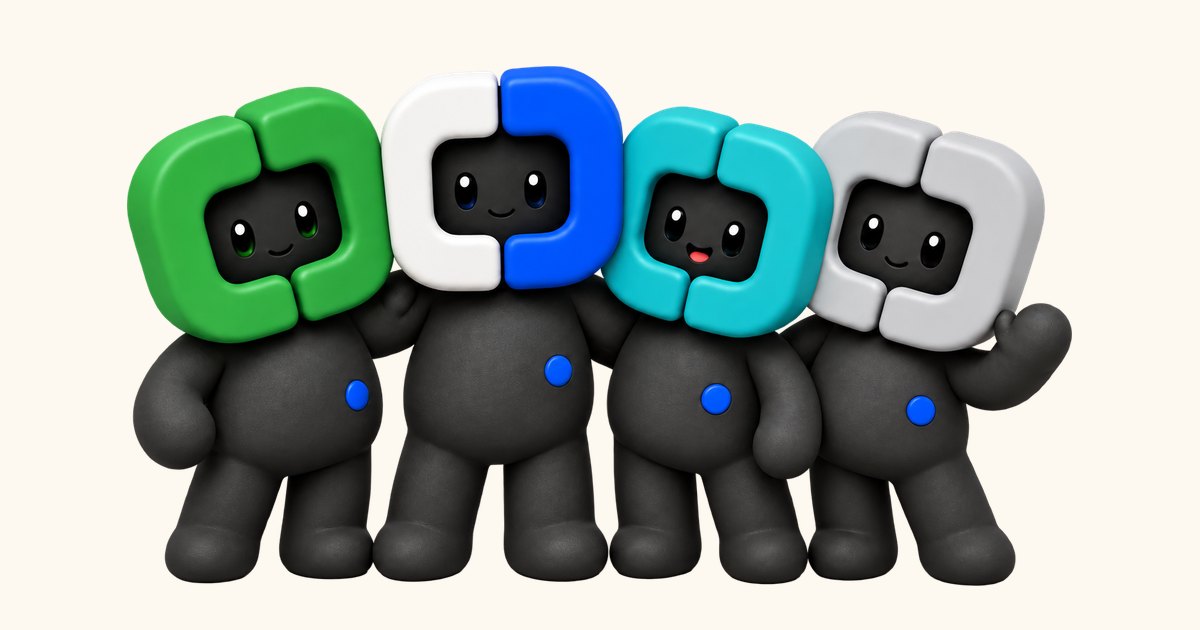


Every Lock Screen at the table, the same card.
The countdown and the faces, with the app closed. If someone wants out, everyone sees.
On your own, it still holds.
Blue keeps you company. We hold the line.
Four kinds, one card each.
Quick Block starts now. Schedules at set times. Time Limits and Open Limits for one app.




The apps you pick, locked.
Flexible asks what you need and for how long, then locks again.
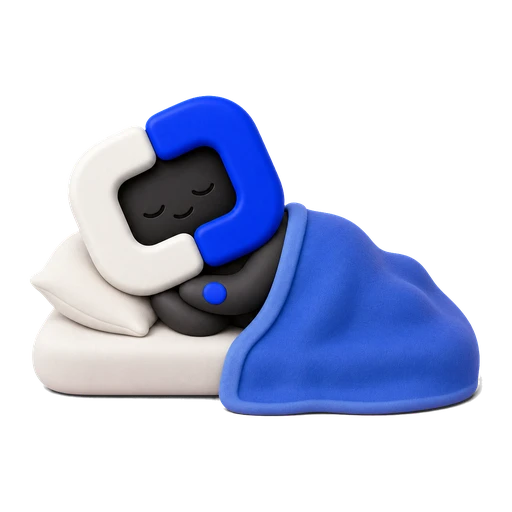
The phone goes to bed first.
Sleep protection locks every app until your wake time.

One hour, once a week.
The Emergency Pass opens everything for an hour. Every pact stays standing.

What you keep.
Every pact kept by two or more becomes a page in the crew’s Album. On the 1st, the month comes back as a story.
Us four’s September, an example. Your crew’s month is drawn from your own pacts.
“Strict is the only thing that has ever worked. I cannot argue my way past it at 1am.”
“It asks if I really need the break. Half the time that question is enough.”
“My score went from 41 to 88 in three weeks. I did not change anything else.”
Keeps going with the app closed.
App closed
The block holds with CoPact closed.

After a restart
It picks up where it was.

Websites too
Add a site to a list and it locks with the apps.

No VPN, no profile
Nothing installed besides the app.

Block app deletion
Switch it on, and no app can be deleted while you block.
Questions.
What if I actually need a blocked app?
Your Always Allowed apps stay open under every pact. Past those, the Emergency Pass opens everything for one hour, once a week.
Does everyone in the crew need an iPhone and a subscription?
Yes, each on their own iPhone with iOS 26.5 or later. Everyone new to CoPact gets 7 days free, so the first evening costs them nothing. After that it is $4.99 a month or $29.99 a year, and CoPact sends a notification two days before the first charge.
Does it keep blocking when CoPact is closed?
Yes. CoPact blocks through Apple's Screen Time, so the block holds with the app closed, after a force quit and through a restart.
What does it cost?
7 days free, then $4.99 a month or $29.99 a year. CoPact sends a notification two days before the first charge.
Can I use it on my own?
Yes. Solo blocking never asks you to sign in. A crew is the part that needs an account, so the people in it can see each other.
Can my crew see which apps I use?
No. Members see your name, your initial and what you do in crew pacts, never your apps.
Can one person end it for everyone?
Under Strict, no: it ends on its timer, or when more than half of the people still in it vote to end it. A Flexible crew pact can be ended by whoever started it.
How is this different from Screen Time and the other blockers?
Screen Time asks, and you tap Ignore. CoPact fixes the terms before you start, puts every phone in the crew under them at once, and lets a Strict pact end only on its timer or by a vote.
What is the difference between Flexible and Strict?
Flexible gives you a break of up to 20 minutes that asks what you need, then relocks itself. Strict gives you no breaks and no edits. On your own it runs until the timer does, and a crew ends it early when more than half of the people still in it vote to.
How do I cancel?
Two taps from CoPact's Settings, which opens your Apple Account subscriptions. You keep access to the end of the period you have paid for.
What leaves my phone?
Your account profile, crew activity, purchase records, crash reports and, only if you agree, usage analytics. Which apps you picked, and the blocking itself, stay on the device.
Is this a VPN?
No. CoPact blocks through Apple's FamilyControls, ManagedSettings and DeviceActivity, so nothing routes your traffic anywhere.
How many people fit in a crew?
Up to 20 people in all, you included. Any member can start a pact now unless the crew’s owner turns that off, and anyone can join while it runs.
Better kept together.